Abdul Basit
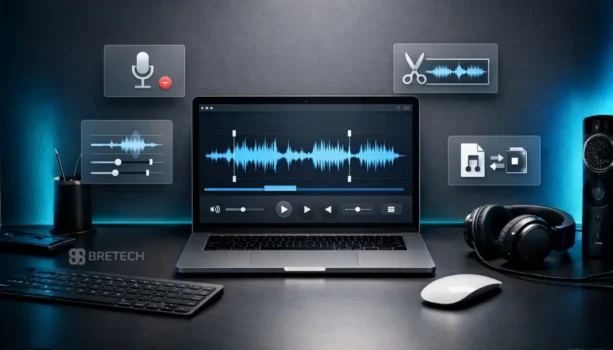
Best audio editing software for beginners in Pakistan helps new users record voiceovers, trim clips, and clean audio without learning complicated editing workflows. Most beginners need beginner-friendly tools that support common formats like MP3 and WAV, with AAC and FLAC support as a useful extra.
The common mistake beginners make is using random free or cracked tools that cause export limits, unstable recordings, or poor audio quality.
A safer option is beginner-friendly audio editing software that offers easy recording, smooth editing, and reliable export for podcasts, lectures, and creator projects. Genuine licenses are available in Pakistan with PKR pricing, local payments, and digital email delivery from BreTech.
For beginners in Pakistan, the easiest audio editing tools include Ashampoo Music Studio for trimming and organizing, EaseUS MakeMyAudio for recording and quick edits, and Audials Music for recording, organising, and saving music quickly with light editing features. These tools give new users better control without the learning curve of advanced professional editors.
If you want a broader comparison, see our guide to Best Audio Editing Software in Pakistan.
Quick Overview: Best Audio Editors for Beginners in Pakistan
| Tool | Best For | Key Beginner Features |
|---|---|---|
| Ashampoo Music Studio | Everyday editing and organising | Trimming, simple editor, tags, playlists, easy output |
| EaseUS MakeMyAudio | Recording + quick edits | Record, trim, convert, clean output formats |
| Audials Music | Music recording and organising | Record, auto-tag, organise tracks, light editing, quick conversion |
Shop beginner-friendly tools in our Audio Editing Software collection and explore top brands like Ashampoo, EaseUS, and Audials.
Why Audio Editing Matters for Beginners
- Enhance Audio Quality: Good audio quality makes your content more professional and enjoyable.
- Improve Accessibility: Clear audio helps audiences follow lectures, tutorials, and podcasts more easily.
- Boost Engagement: Clean sound keeps listeners focused and interested.
- Develop Technical Skills: Learning basic editing builds a foundation for more advanced multimedia projects.
- Express Creativity: Simple tools allow you to experiment with sound clips, voiceovers, and music.
These benefits show why learning basic audio editing is useful for beginners starting podcasts, tutorials, or simple creative projects.
Top 3 Audio Editing Software for Beginners in Pakistan
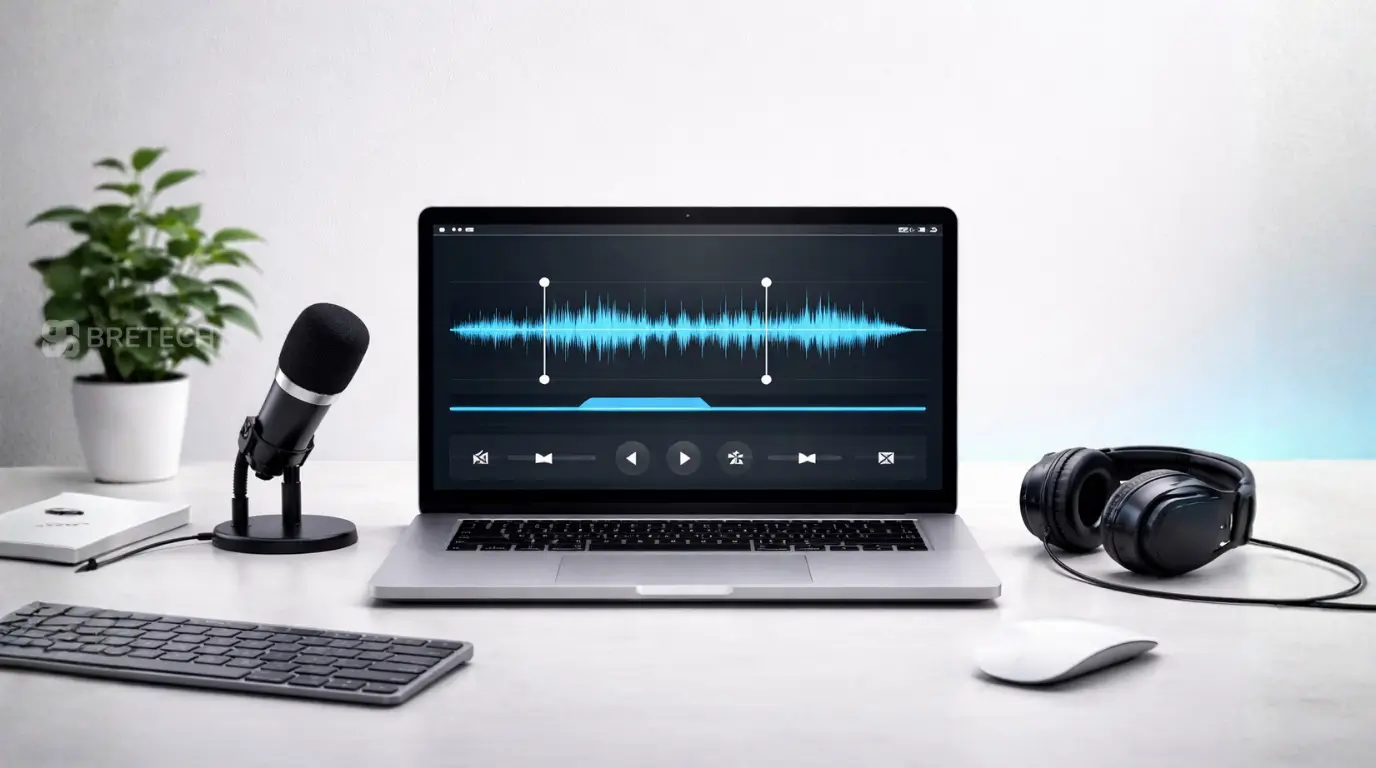
Discover beginner-friendly tools that make recording, trimming, and exporting audio simple without complex editing workflows.
1. Ashampoo Music Studio: Best Budget Audio Editor for Beginners
Ashampoo Music Studio is a reliable all-in-one audio editor designed for new users. It is ideal for editing, organizing, and managing music with a clean interface that is easy to learn.
Key Features
- Cut, mix, and arrange audio tracks
- Rip and burn music CDs
- Create playlists and design covers
- Edit metadata and audio tags
Ideal For: Home users, teachers, music hobbyists
2. EaseUS MakeMyAudio: Simple Recording and Editing Tool
Designed with simplicity in mind, EaseUS MakeMyAudio helps beginners record, trim, and convert audio without needing editing experience.
Key Features
- Record audio from microphone or system sound
- Trim, merge, and adjust audio speed
- Convert between MP3, WAV, FLAC, and other formats
- Built-in tag editor for music files
Ideal For: Teachers, students, training creators
3. Audials Music: Easy Music Recording and Saving
Audials Music is useful for beginners who want to record songs or playlists, organise them automatically, and save them quickly with light editing and conversion features.
Key Features
- Record songs and playlists for personal listening
- Automatically tag and organise tracks
- Save and manage music files more easily
- Convert audio formats quickly
- Includes light editing features for simple music cleanup
Ideal For: Music lovers, playlist curators, casual recorders
Best for Editing: What Beginners Should Look For
A beginner-friendly audio editing tool should feel simple from the first day. Look for quick trimming, easy export options, and clear controls so editing remains straightforward.
Also check if the editor supports common audio formats and lets you adjust audio levels before export. This helps recordings sound clearer for lectures, voice notes, or simple creator content.
Music Production and Multitrack Editing for Beginners
If you later move from simple editing to music creation, you may need multitrack editing. This allows you to layer voice recordings, music, and sound effects together before exporting a final track.
Most beginner tools focus on simple editing first. Start with trimming and cleanup, then upgrade to more advanced audio production software if your projects grow.
Tips for Choosing the Right Audio Editing Software
Determine Your Needs
Decide whether your main goal is recording voice, editing podcasts, or simple music editing. Beginners usually benefit more from a simple editor than a full digital audio workstation.
Consider the audio formats you use most and whether the tool supports quick trimming, recording, and exporting.
Budget Considerations
Free tools like Audacity provide basic editing features, while paid software offers simpler workflows, better stability, and additional features.
Choose a tool that balances cost with the features you actually need.
Ease of Use
Look for an editor with a clean interface and simple workflow. A beginner-friendly layout makes it easier to trim clips, record audio, and export files quickly.
Feature Set
Useful beginner features include trimming tools, noise reduction, format conversion, and simple recording controls.
Long-Term Value
Some editors offer upgrade paths if you later need advanced editing or production tools. This lets you grow without switching software immediately.
When Beginners Should Upgrade to Paid Audio Editing Software
Many beginners start with free tools, but upgrading to paid audio editing software becomes useful when you need stable recording, cleaner exports, and support for multiple audio formats.
Paid tools also save time with simpler workflows and fewer export limits. Editors like Ashampoo Music Studio or EaseUS MakeMyAudio offer beginner-friendly controls while delivering more reliable results for podcasts, lectures, and creator content.
Conclusion: Getting Started With Beginner Audio Editing
Choosing the right audio editing software as a beginner in Pakistan depends on your goals, how easy the tool is to use, and the features you need.
If you want to trim voice notes, organise music, or record audio quickly, tools like Ashampoo Music Studio, EaseUS MakeMyAudio, and Audials Music offer a simple starting point, with Audials Music being stronger for recording and organising music than full audio editing.
Explore our Audio Editing Software Collection to find beginner-friendly editors with genuine licenses, PKR pricing, and digital delivery in Pakistan.
FAQs
Q: How do I start editing audio as a beginner?
A: Import your recording, trim mistakes, adjust audio levels, and export in a common format like MP3 or M4A. Keep your first edits simple.
Q: What is the best audio editor for beginners in Pakistan for recording?
A: Beginners should choose an editor that allows simple recording, quick trimming, and clean export. Tools like Ashampoo Music Studio or EaseUS MakeMyAudio are designed for simple workflows.
Q: How do I choose beginner audio editing software?
A: Focus on ease of use, recording capability, supported formats, and simple editing tools. The best option is the one that feels easy during the first week of use.
Q: Do I need audio editing for podcasts and voice notes?
A: Basic editing helps remove mistakes, adjust sound levels, and produce clearer recordings for listeners.
Q: Can these tools export audio clips for sharing?
A: Yes. Most editors allow exporting audio clips in formats like MP3 or M4A, making it easier to share files by email or messaging apps.
Q: Is video editing software good for audio editing?
A: Some video editors allow basic audio trimming, but dedicated audio editors are usually faster for recording and editing audio files.
Q: When should I upgrade to professional audio software?
A: Upgrade when you need advanced editing, longer recording sessions, or more control over audio production.
Q: What is the easiest audio editing software for beginners?
A: The easiest audio editing software for beginners should offer clear controls for recording, trimming, and exporting audio. Tools like Ashampoo Music Studio or EaseUS MakeMyAudio are easier to learn than advanced studio editors.
Q: Which audio editing software is good for basic music editing?
A: For basic music editing, beginners should choose software that can trim clips, adjust sound levels, and export clean files. Tools like Ashampoo Music Studio work well for simple editing, while Audials Music is better for recording, organising, and saving music with lighter editing needs.
Additional Resources
Explore more beginner-friendly tutorials and buying guides in our Design & Multimedia Guides section.