Abdul Basit
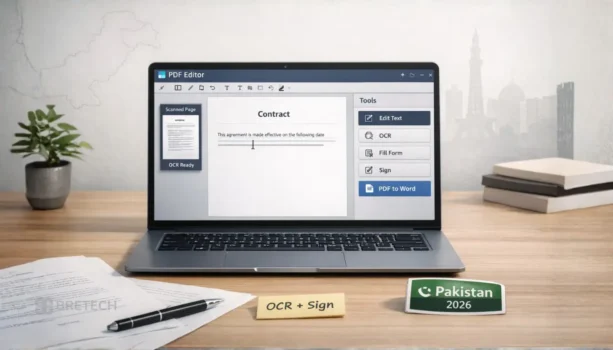
Choosing the right PDF editor software in Pakistan is important when you need to edit PDFs, convert files, use OCR on scanned documents, fill forms, or sign office paperwork without damaging the layout.
Many users first try free PDF tools or unofficial installers. The problem is that these tools often have limits, unsafe downloads, weak OCR, poor PDF-to-Word conversion, or missing signing features.
For office work, client documents, business files, and scanned records, a genuine PDF editor is safer. It gives better formatting, proper activation, updates, and more reliable results.
This 2026 guide compares the best PDF editor tools available through BreTech, including options for Windows users, Mac users, OCR work, signing, forms, and daily office editing.
Quick Overview: Best PDF Editor Software in Pakistan
| Tool | Best For | Key Features |
|---|---|---|
| Ashampoo PDF Pro | Business use on Windows | Editing, conversions, OCR support, document protection tools |
| EaseUS PDF Editor | Everyday office editing | Easy editing, annotations, OCR support, conversions, basic forms |
| Wondershare PDFelement | Mac users, advanced OCR, and Cloud E-Signing | Editing, OCR support, interactive forms, secure digital signatures, batch actions |
| PDF-XChange Editor | Power users on Windows | Deep markup, advanced controls, fast reviewing, OCR depending on edition |
| SwifDoo PDF | Lightweight daily PDF tasks | Fast editing, conversion, merge/split, signing tools depending on plan |
| Foxit PDF Editor | Corporate teams and secure business e-signing | Premium editing, OCR, legal-grade e-signatures (Foxit eSign), team collaboration |
| PDFChef by Movavi | Everyday basic edits | Basic editing, merge/split, conversions, simple signing |
See the full list of available licenses in our PDF & E-Sign Software in Pakistan collection to choose the best tool for your official documents.
BreTech helps Pakistan buyers choose genuine PDF editor licences with PKR pricing, local payment options, digital delivery, activation guidance, and official invoice support for business purchases.
“Most Pakistani users only realise they need OCR after they receive a scanned PDF from a client. Testing OCR on one real file before buying saves a lot of rework.” – BreTech Support Note
Best PDF Editor: Quick Picks By PDF Task
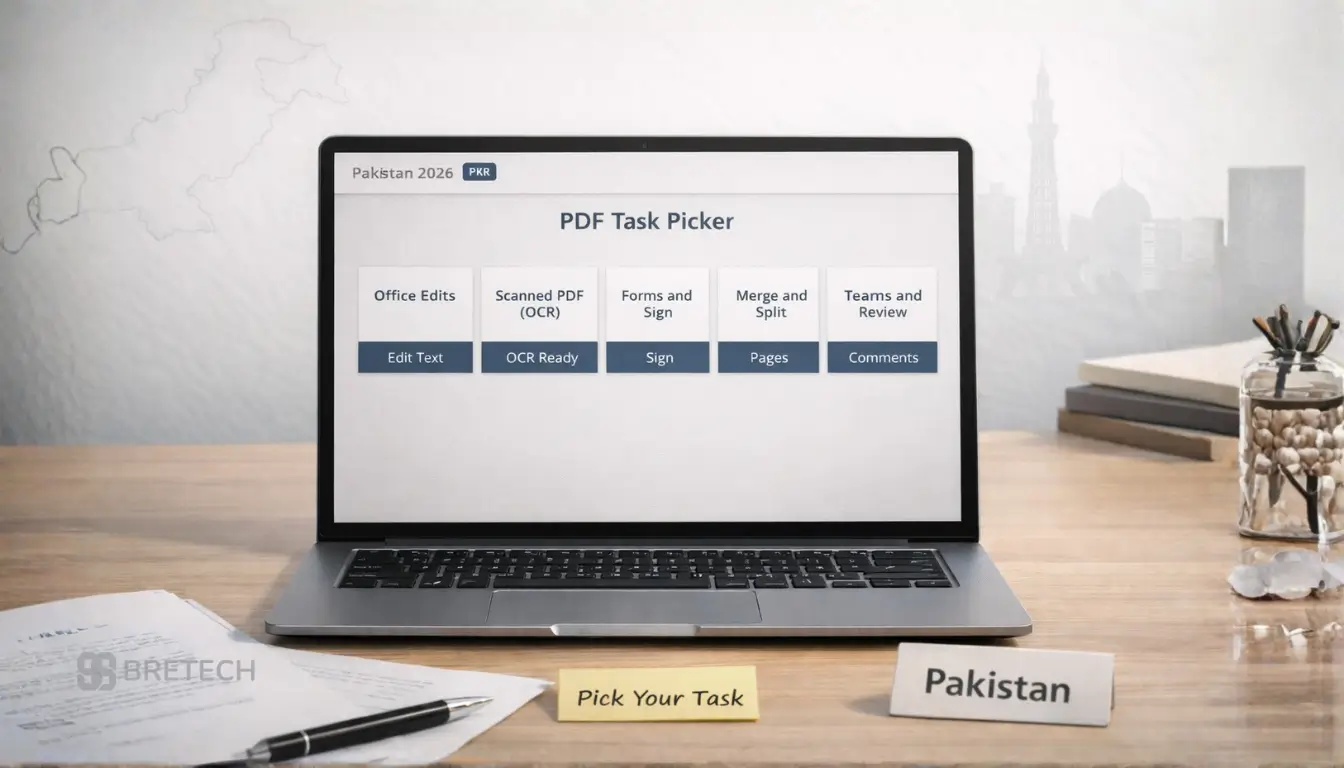
PDF Editor For Everyday Office Edits
For daily office work, use a PDF editor that helps with creating PDFs and clean text edits while keeping the format stable.
If you often export to Microsoft Word, test one real PDF file first. The best tools make changes without breaking spacing, headings, or text and images.
PDF Editor For Scanned PDF (OCR)
If your PDF document comes from a scanner or photo, OCR becomes the key part of PDF editing. A strong PDF editing tool can turn a scan into searchable PDF text so you can edit a PDF instead of retyping everything.
Before you decide, run OCR on two sample files. Results can vary by scan quality and language, so a free trial helps confirm accuracy.
PDF Editor For Forms And Signing
For contracts and office paperwork, look for a full-featured pdf editor that supports forms and signing while keeping the document layout consistent. It should also include password protection or permissions when you need to protect the pdf.
If signing is central to your work, check what your plan includes and test your workflow in the free trial.
PDF Editor For Fast Daily PDF Tasks
For routine jobs like merge, split, compress, and quick edits, a simple pdf tool is often enough. It should open a pdf quickly, let you annotate, and handle basic conversions without slowing your system.
If your PC is older, prioritize speed and stability over extra advanced features you may not use.
PDF Editor For Teams And Sharing
Teams need more than basic editing. A good pdf editor should support comments, review, and consistent handling when multiple people are managing pdf files together.
If you share files across departments, also check controls that help protect the pdf and reduce accidental edits.
PDF Editor Vs PDF Reader: What You Actually Need
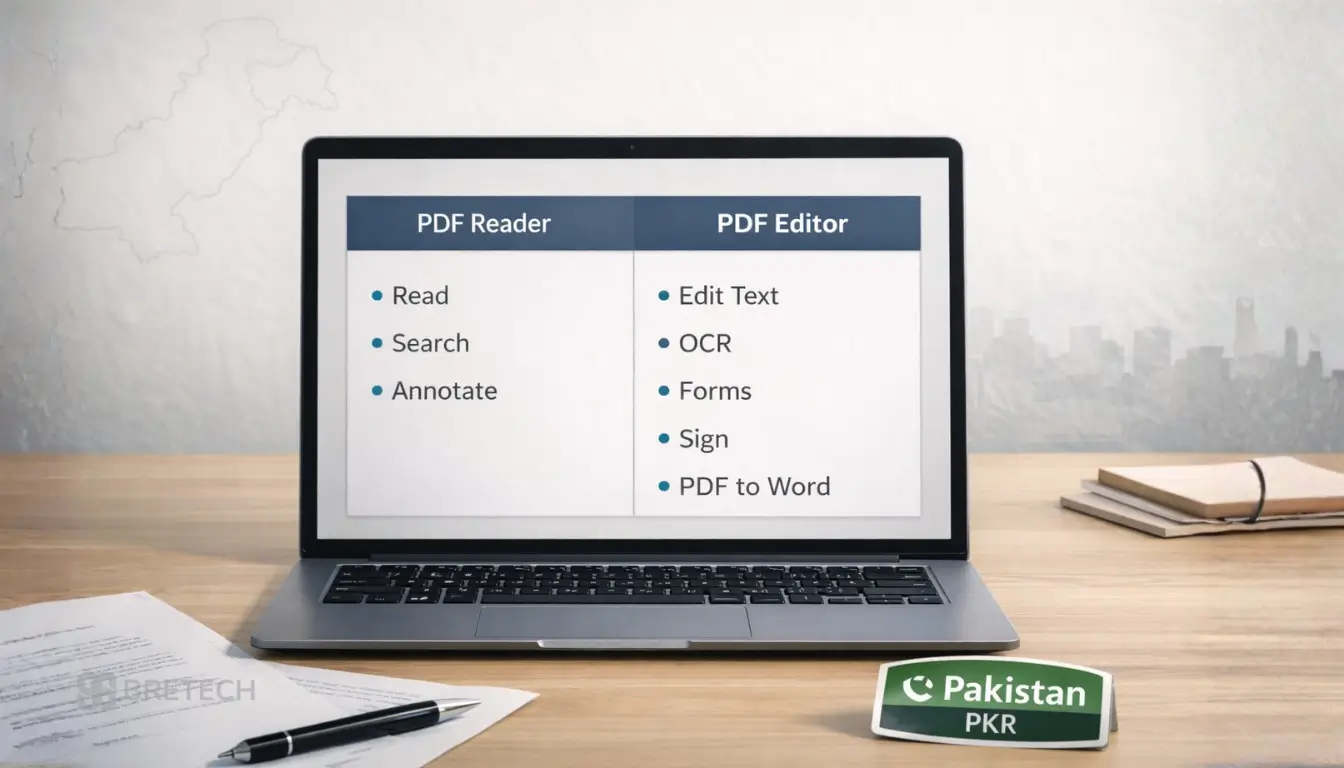
When A PDF Reader Is Enough
A PDF reader is enough when you mainly read PDFs, search text, and add light notes. It works well for students and anyone who rarely needs to edit PDFs.
If you never convert files or change content, a reader keeps things simple and avoids paying for editing tools.
When You Need A PDF Editor (Editing, OCR, Forms, Signing)
You need a PDF editor when you must edit a PDF, convert documents, use OCR on scanned pages, or create a PDF from Word or images. Editing tools are also needed for forms, signing, and fixes that must stay clean in the final PDF format.
If your files go to clients, choose a licensed tool so exports and formatting remain reliable across devices.
PDF Editor Features That Matter Most In Pakistan
Editing Quality And Formatting Control
Editing quality matters when you must make changes without damaging layout. The right pdf editing software keeps alignment, spacing, and page breaks stable, even after multiple edits.
If you work with templates, always check that text edits do not shift tables or headings.
OCR For Scanned PDF Documents
OCR turns scanned pages into searchable text so you can work with pdf text and correct errors fast. This feature saves time on invoices, stamped papers, and scanned records.
Use a free trial to test real samples. OCR accuracy depends on scan clarity and the types of pdf you deal with.
Forms, Signing, And Document Protection Tools
Forms and signing help you complete approvals without printing. Protection tools like password protection and permissions help you control who can edit or copy content.
If you handle sensitive documents, prioritize protection and signing before extra features.
PDF Conversion Quality (PDF To Word, Excel, Images)
Conversion quality is crucial when you convert files or create a PDF from Word or Excel and need formatting to stay readable.
Test conversion using one complex file (tables + headings) before you depend on it for daily work.
Speed And Performance On Older PCs
If you open large files or run on older hardware, performance matters. A lighter tool can open a pdf faster and stay responsive when you scroll, search, and annotate.
Choose the best balance of speed and features, especially if you edit PDFs every day.
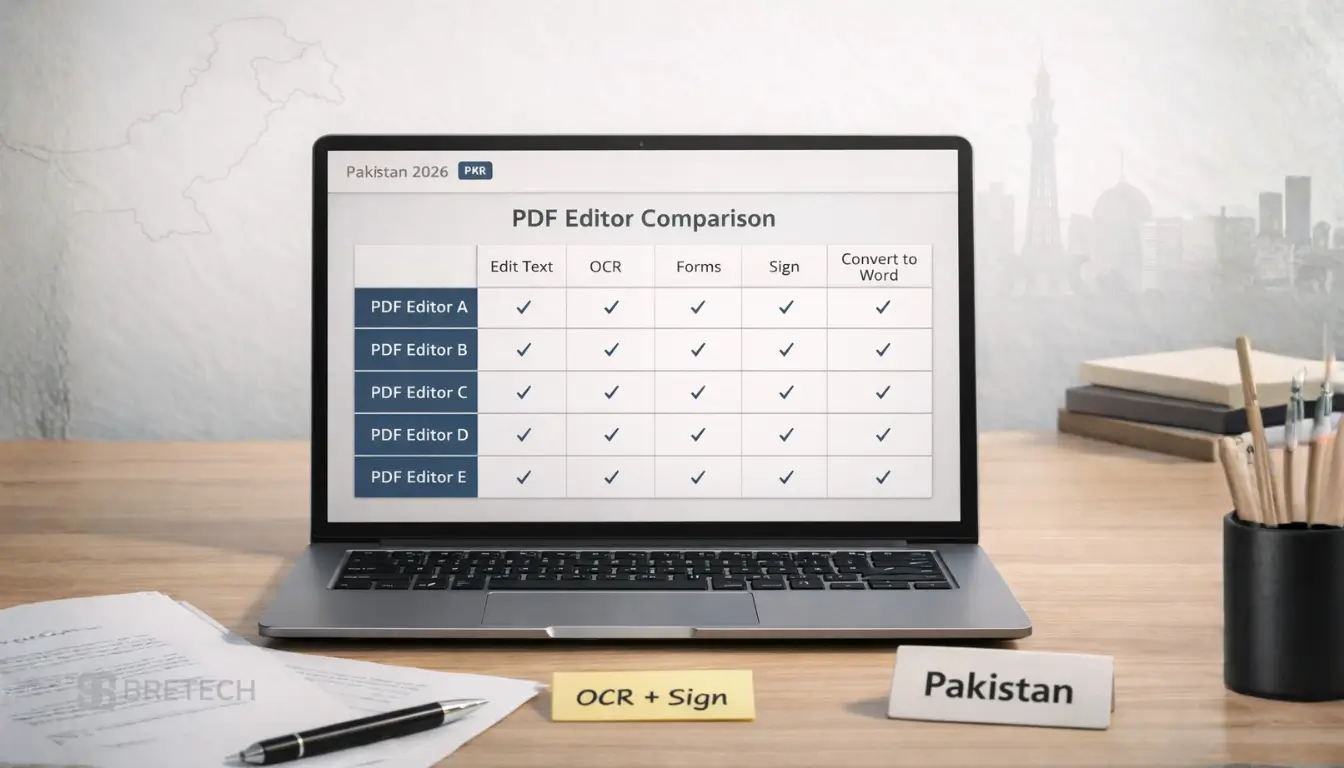
Best PDF Editing Software in Pakistan: Tool-By-Tool Comparison
1.EaseUS PDF Editor: Easy PDF Editing For Everyday Work
EaseUS PDF Editor suits everyday pdf editing like text edits, conversions, annotations, and basic form work. It is often easier for beginners who want a clean workflow.
If OCR matters, test a scanned file first to confirm results match your needs.
2. Ashampoo PDF Pro 5: One-Time PDF Editor For Windows Users
Ashampoo PDF Pro 5 is a strong fit for people who want a desktop tool without ongoing fees. It covers common editing tools and conversion tasks for office documents.
If you want predictable licensing and routine work on Windows, it can be a practical pick.
3. Wondershare PDFelement: All-in-One OCR, Forms, and Cloud E-Signing
Wondershare PDFelement is built for professional workflows where advanced OCR, interactive forms, and quick signatures are required daily. It bridges the gap between desktop editing and remote contract execution, allowing users to send secure document sign requests seamlessly through its cloud integration.
Use the trial version to confirm its form-handling capabilities, and check out the Wondershare PDFelement page to secure your genuine business license in PKR.
4. PDF-XChange Editor: Advanced Review And Markup For Power Users
PDF-XChange Editor is ideal for Windows users who want deep markup and control. It is strong for review work where you comment, stamp, and annotate quickly.
OCR can be edition-based, so match the edition to your workload before buying.
5. SwifDoo PDF: Lightweight PDF Editor For Daily Tasks
SwifDoo PDF is aimed at fast daily tasks like quick edits, conversion, and page operations. It suits users who want a simpler interface that stays responsive.
If signing tools are important, check plan details and test the core tasks you do most.
6. Foxit PDF Editor & eSign: Secure Enterprise Document Workflows
Foxit PDF Editor is the absolute industry gold standard for corporate teams in Pakistan who need robust editing paired with legally binding electronic signatures. It features deep integration with Foxit eSign Essentials, making it incredibly simple for legal, HR, and accounting departments to execute protected contracts, run audit trails, and enforce strict password permissions.
Whether you need a single license or volume keys for an entire department, explore the official Foxit PDF tools catalog for secure corporate deployment.
7. PDFChef by Movavi: Simple PDF Editing, Merge, And Split Tools
PDFChef by Movavi is a simple tool for basic edits, merging/splitting, and conversions. It is suitable when your pdf editing needs are light and you want fewer menus.
If your work later requires OCR or advanced forms, you may need a more full-featured editor.
PDF Editor For Mac Users in Pakistan
Best PDF Editor Choices For Mac Users
For Mac users in Pakistan, Wondershare PDFelement is usually the strongest choice if you need PDF editing, OCR, forms, signing, and cross-platform work. It is better for users who share files between macOS and Windows teams.
Foxit PDF Editor is also a good option for business users who need professional PDF editing, review, signing, and document protection features. Check the edition before buying because features can vary by plan.
If your work is simple, such as merge, split, basic edits, and light conversion, PDFChef by Movavi can be enough for everyday Mac users.
For a deeper Mac-only comparison, read our guide: Best PDF Editors for Mac in Pakistan.
What Mac Users Should Check Before Buying
Before buying a PDF editor for Mac, check:
- macOS compatibility
- OCR support on Mac
- PDF to Word export quality
- signing and form tools
- whether the license supports your device
- how well files open on Windows after editing
For scanned documents, test OCR with one real file before purchase. For contracts, test signing and protection tools first.
How To Choose The Best PDF Editor (30-Second Checklist)
If You Work With Scanned PDFs
Choose a pdf editing tool with OCR that turns scans into searchable text. Test two real files in a free trial to confirm accuracy before you buy.
If OCR is weak on your documents, switching tools or plan can save time later.
If You Work With Contracts And Client Documents
Prioritize signing tools and password protection first. Stable formatting matters because client files must look professional after edits.
Also check whether your tool can protect the pdf with permissions for safer sharing.
If You Mainly Convert PDFs
If conversion is your main task, focus on clean exports to Microsoft Word and back. Test one complex document so you know if tables and headings stay aligned.
Pick the tool that gives you the least cleanup work after conversion.
If You Want A Lightweight PDF Editor
If you want speed, choose a lighter editor that opens fast and stays responsive. Make sure it still supports basic editing tools, annotate, and the conversions you use most.
Avoid paying for advanced features you will rarely use.
What To Avoid When Choosing A PDF Editor
Common Mistakes That Waste Time
People choose a tool for one feature and later discover it does not fit their real workflow. Another common issue is poor conversion output that ruins format and forces rework.
Also avoid unsafe downloads and unofficial copies that can break fonts, OCR, and updates.
Safe Buying Checklist For A Genuine PDF Editor
Check OS support, test OCR if you work with scans, and test conversion to Word if you need it. Confirm licensing is genuine and your plan includes the features you rely on.
For business files, prioritize stable formatting and predictable support over marketing claims.
Need help choosing the right PDF editor? Contact BreTech to compare available PDF editor licenses, features, and pricing in Pakistan before buying.
Explore More Related Tools
If your document processing requires broader office infrastructure or specialized email migration systems, browse our related productivity collections:
Explore more deployment guides and software reviews in our main Office Productivity blog category.
Conclusion: Best PDF Editor Software In Pakistan For 2026
For everyday work, EaseUS PDF Editor is a strong all-round choice for clean edits, conversions, and quick annotations. If you prefer predictable cost with a one-time desktop license, Ashampoo PDF Pro 5 is a practical fit.
If your work depends on scanned files, OCR, and forms, Wondershare PDFelement is usually better (plan-based). For Windows power users who do heavy review and markup, PDF-XChange Editor suits deeper control (OCR can be edition-based).
For fast, lighter tasks like merge/split, simple edits, and quick conversions, SwifDoo PDF and PDFChef by Movavi are easier on older PCs. For office teams that share documents and need collaboration tools, Foxit PDF Editor fits well (edition-based).
Browse PDF Editors by Brand in Pakistan
If you prefer choosing by brand, these BreTech brand pages help you compare PDF editor editions and what each tool includes.
- Ashampoo PDF tools – One-time license style, OCR, encryption, batch tools
- EaseUS PDF tools – Easy editing, OCR, conversions for everyday work
- Wondershare PDF tools – Cross-platform options, forms, batch features
- Foxit PDF tools – Collaboration, business controls, fast performance
- Movavi PDF tools – Simple edits, merge/split, offline use
FAQs
Q: What Is The Best PDF Editor Software In Pakistan For Office Work In 2026?
A: For office work, find the best match for your daily tasks: stable formatting, clean exports to Microsoft Word, and the right pdf editing features like signing and protection. Choose the tool for pdf work that fits how often you edit and share documents.
Q: Do I Need A PDF Editor Or Only A PDF Reader?
A: Use a PDF reader if you mostly read pdf files and add light notes. You need a PDF editor when you must edit a PDF, use OCR, fill forms, or convert pdf files for work, clients, or submissions.
Q: Which PDF Editor Is Best For Scanned Documents And OCR?
A: For scans, pick a PDF editor with strong OCR so a scanned PDF document becomes searchable and editable. OCR accuracy is part of the editor’s pdf functionality, so test a sample file before you rely on it.
Q: How Can I Convert PDF Files To Microsoft Word Without Losing Format?
A: Use a reliable pdf converter inside your PDF editor and test a complex file first (tables + headings). If the PDF is scanned, OCR is required before the Word export stays clean when you convert the PDF.
Q: Is A Free Version Of A PDF Editor Safe For Important Documents?
A: A free version can be okay for light tasks, but limits often apply to OCR, signing, and conversions. For client or office documents, choose a licensed editor with a complete set of features so exports and formatting stay consistent.
Q: What Should I Check Before Buying A PDF Editor License In Pakistan?
A: Check Windows/Mac support, OCR and signing needs, and conversion quality to Microsoft Word. Also confirm what the pdf editor offers in your plan or edition, because features can be different across versions.
Q: Can A PDF Editor Protect My File With Passwords And Permissions?
A: Yes, many editors include password protection and permissions to protect the PDF. If you handle contracts, confirm the protection features you need are included in your plan before purchasing.
Further Reading
Want to learn more about PDF tools and document security in Pakistan? Check out these helpful posts:
- Best PDF Editors for Mac in Pakistan
- Best PDF Redaction Software in Pakistan
- How to Convert Word to PDF Without Losing Formatting
- How to Convert PDF to Word Without Losing Formatting
For more helpful guides, visit our Office Productivity blog category.