Abdul Basit

What is a VPN and why is it important for Pakistan in 2026 is a simple question, but it matters when you use public Wi-Fi, share a home network, or work remotely and want your connection to stay private and harder to intercept.
Many people assume every VPN app works the same, then end up with slow speeds, random disconnects, or apps that fail because the settings are wrong for their device and network.
This guide explains how a VPN (virtual private network) works, what it does to your IP address, and what to check so you get privacy without constant dropouts.
A VPN encrypts your internet traffic and routes it through a VPN server, which can reduce snooping on shared networks and help you browse more privately. The best results usually come from choosing a reliable VPN and using the right protocol and server location for your needs.
If your VPN is failing right now, start here: VPN Not Working in Pakistan (2026 Fix Guide)
What Is a VPN (Virtual Private Network)?
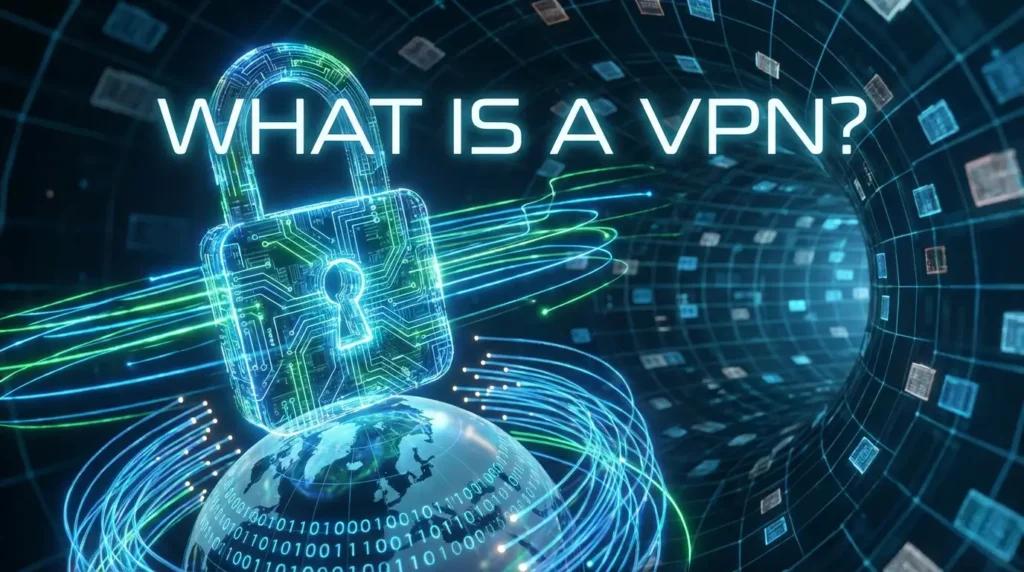
A VPN stands for Virtual Private Network. It is a service that creates a protected path between your device and a VPN server. This helps keep your activity safer on a public network, and it can also change the IP address websites see when you go online.
Many people in Pakistan use a VPN service on a Wi-Fi network (cafés, offices, universities) or on mobile data when they want more privacy. A VPN does not make you invisible, but it can reduce common risks like snooping on shared Wi-Fi and basic tracking based on your IP address.
VPNs in Pakistan: What to Expect in 2026
VPNs (Virtual Private Networks) create an encrypted tunnel between your device and a remote server, hiding your IP address and encrypting data. In Pakistan they protect activity on public Wi-Fi, help access workplace networks securely, and reduce tracking.
Performance varies with ISP, server location, and protocol choice (OpenVPN, WireGuard, IKEv2). Some services offer kill switches and no-logs policies for extra privacy. Choose reputable providers, test speeds, and follow local rules and workplace policies where relevant.
How VPNs Work in Simple Words
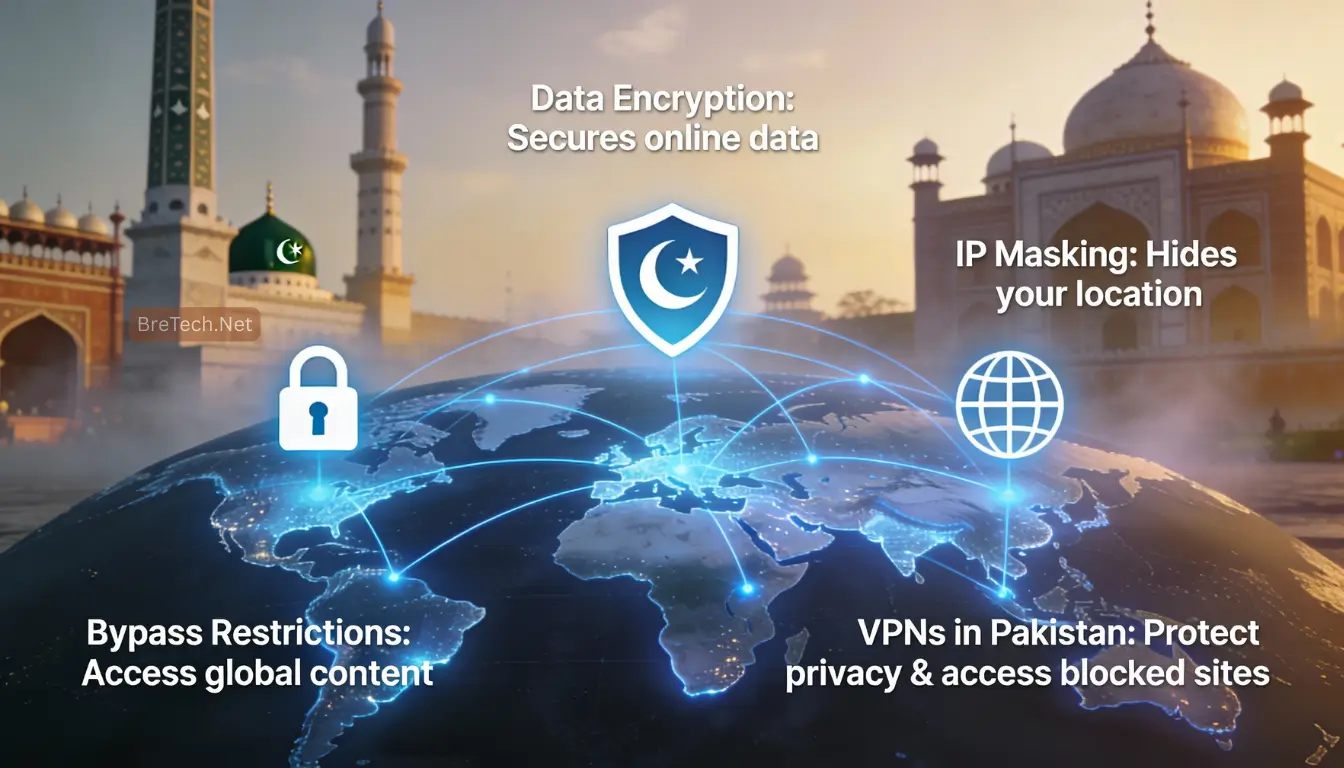
To understand how VPNs work, think of your normal internet as an open route. On a standard connection, your data travels from your device to sites and apps through your internet service provider.
When you use a VPN, the VPN app creates a tunnel (also called a VPN tunnel) and sends your traffic through an encrypted tunnel to a remote server. That encrypted connection makes it much harder for others on the same network to read what you are doing.
A VPN also masks your IP address by showing websites the IP address of the VPN server instead. That is why people say a VPN “hides” their IP. It does not hide everything, but it can reduce simple location and network-based tracking.
VPN Connection: What Happens When You Connect
A VPN connection usually has three steps that matter for real users:
- Connection setup: your VPN client connects to a VPN server and completes the handshake.
- Secure routing: your traffic moves through an encrypted connection so your private data is harder to intercept on shared networks.
- Server location selection: the server location you pick affects speed, stability, and which services you can reach.
VPN Protocol: Why It Matters in Pakistan
A VPN protocol is the method used to build the secure tunnel between your device and the VPN server. Some protocols are faster, and some are better when networks are strict.
Common options include:
- WireGuard: fast and efficient, often great for day-to-day browsing and mobile use.
- OpenVPN: highly reliable, and often works well on tougher networks (especially TCP mode).
- IKEv2: stable for phones that switch between Wi-Fi and mobile data.
In Pakistan, protocol choice matters because the same VPN settings do not behave the same across every ISP, city, and peak-hour load. If you rely on VPN use for work, having at least two protocol options can save a lot of time.
Type of VPN: Personal vs Remote Access vs Site-to-Site
There is more than one type of VPN, and choosing the right one depends on your use case.
Personal VPN
A personal VPN is a VPN app you install to protect private data on public networks and home Wi-Fi. It creates an encrypted tunnel to a remote server so your ISP can’t easily read activities and your IP address is masked. A good VPN provider gives a reliable secure connection.
Remote Access VPN
A remote access VPN lets employees connect as a VPN client to an internal network from anywhere. It creates an encrypted connection to a corporate VPN server so remote work can happen securely and apps on the local network are reachable through a secure VPN tunnel.
If you are a freelancer or business user, you may also find this helpful: Business VPN for Work and Remote Access in Pakistan
Site-to-Site VPN
A site-to-site VPN links office networks so many users share resources across locations without exposing the internal network to the public. IT teams configure VPN servers or appliances that create an encrypted tunnel between sites, offering VPN protection and consistent remote access.
When You Should Use a VPN in Pakistan
You do not need to run a VPN all day for every task. But there are clear situations where using a VPN makes sense.
- You are on a public network or shared Wi-Fi and logging into important accounts.
- You are doing remote work and need a more secure connection to client tools.
- You want extra privacy on mobile data on crowded networks.
- Your internet route is unstable and switching a server location improves stability.
If your goal is specifically to appear online with a Pakistan IP, choose a VPN provider that truly offers that server location: Best VPN with Pakistan Server (2026 Guide)
VPN Service vs VPN App: What You Actually Need
People often say “install a VPN” when they really mean two things:
- The VPN service (the provider, servers, and security rules)
- The VPN app (the software you install on your phone or PC)
A reputable VPN provider usually gives simple apps for Windows, Android, iPhone, and sometimes browser extensions. But the real quality comes from the VPN service behind the app: protocol support, server stability, privacy terms, and how often it drops on your network.
If you are deciding between options, start with this shortlist: Best VPNs in Pakistan
Free VPN vs Paid VPN: What to Expect
A free VPN can be okay for light browsing, but it often has limits like slower speed, fewer servers, and weak reliability. Some free VPN apps also rely on ads or unclear data practices.
A paid VPN is usually more stable for daily VPN use, remote work, and any situation where you care about speed and privacy. Paid plans are more likely to offer modern protocols, better server selection, and features that prevent leaks.
What Makes a Good VPN for Pakistan Users
A good VPN is not just about a famous brand name. It is about stable performance, strong protection, and simple control.
What to Check Before You Choose a VPN
Before you buy, check these basics. They decide whether the VPN stays stable and protects your data.
- Strong protocol options (WireGuard and OpenVPN are the most useful for most users)
- A kill switch to reduce leak risk if the VPN drops
- Clear privacy terms and a reputable history
- Multiple nearby server locations for better speed
- Apps that work well on Windows and mobile
- Support that responds when VPN connection issues happen
Choosing a VPN for Pakistan: A Simple Decision Plan
Start by deciding your main goal. If your goal is safer Wi-Fi use, focus on encryption, a kill switch, and a reputable provider with stable nearby servers.
If your goal is remote work, reliability matters more than anything. Look for stable protocols and multi-device support so you can work from phone and PC without frequent disconnects.
If your goal is a Pakistan server, confirm the provider offers that server location and that it works reliably on your ISP. If your goal is fewer drops, choose a VPN service with multiple protocols so you can test what works best on your internet connection.
For a setup guide you can follow on any device, use: How to Use VPN in Pakistan
Explore VPN Options on BreTech
If you want trusted VPN and network security options, browse the collection here: Network & VPN Security Products
You can also check these popular options:
BreTech provides genuine licenses in Pakistan with PKR pricing, fast digital email delivery on most orders (1–72 hours), and local support.
Conclusion
A VPN is one of the simplest tools to protect your internet connection, especially on shared Wi-Fi and public networks. For Pakistan users, the biggest value is safer browsing and more stable access for remote work depending on ISP behaviour and VPN protocol choice.
Most VPNs can help, but a good VPN is the one that stays stable on your network, supports modern protocols, and matches your VPN use (banking, work, or privacy on a public network).
If your VPN is not working right now, follow this fix path first: VPN Not Working in Pakistan (2026 Fix Guide)
FAQs
Q: What Does VPN Stand For, and How Does a VPN Create Privacy?
A: VPN stands for Virtual Private Network. A VPN creates an encrypted tunnel between your device and a VPN server, so your traffic is harder to read on shared Wi-Fi. It also swaps your IP for a virtual location from the server you choose.
Q: How Does a VPN Work on Wi-Fi and Mobile Data?
A: VPN work is simple: your internet traffic goes into the VPN tunnel first, then goes out to websites from the VPN server. For many VPN users, a modern VPN can be more stable on mobile data when you use the right protocol and a nearby server.
Q: When Should I Use a VPN in Pakistan for VPN Protection?
A: VPN use is most helpful on public Wi-Fi, shared office networks, or when you work remotely. VPN protection matters because a VPN shields your data from easy snooping on open networks, especially in cafés, universities, and co-working spaces.
Q: Can a Secure VPN Connection Be Seen by My ISP?
A: Your ISP can usually see that you connected to a VPN server, but a secure VPN connection stops them from seeing the exact websites you visit inside the tunnel. If DNS is misconfigured, leaks can happen, so use a reliable VPN with leak protection.
Q: Does a Secure VPN Slow Down Internet Speed?
A: Sometimes yes, because your traffic takes an extra step through the VPN server. A modern VPN is often fast enough for normal browsing, but speed depends on server distance, server load, and the protocol you select.
Q: How Do I Select a VPN When Different VPN Providers Offer Similar Features?
A: Select a VPN based on stability first, then privacy rules, then server choice. Different VPN providers offer different protocol support, app quality, and support speed, so test a couple of nearby servers before you commit.
Q: How Do I Start Your VPN Safely and Stay on Track in Your VPN Journey?
A: Start your VPN by choosing the closest server first, then turn on the kill switch if it exists. If a traditional VPN setting drops often on your network, switch protocol or try a separate VPN server location to find a more reliable VPN solution.
Q: Does VPN Work on Every Network in Pakistan?
A: VPN work depends on your ISP, the protocol, and the server you choose. If a secure VPN connection drops or fails, switch protocol, change server, and test again on the same network.