Abdul Basit

Best screen recorder for online classes in Pakistan matters in 2026 because one small mistake can ruin a full lecture with missing mic audio, lag, or a watermark on every export.
The usual problem is trusting random “free” recorders or cracked apps, then dealing with audio bugs or settings that change right before class.
In this guide, you’ll learn which screen recorders handle system audio + mic, webcam recording, and clean exports for online classes, plus a quick checklist to test your setup in 20 seconds.
A good class recorder should let you pick the correct microphone, capture system sound, and export without surprises. If you want genuine licenses with PKR pricing and local support, browse BreTech’s options here: Screen Recorder Software.
Importance of Choosing the Right Screen Recorder for Online Classes
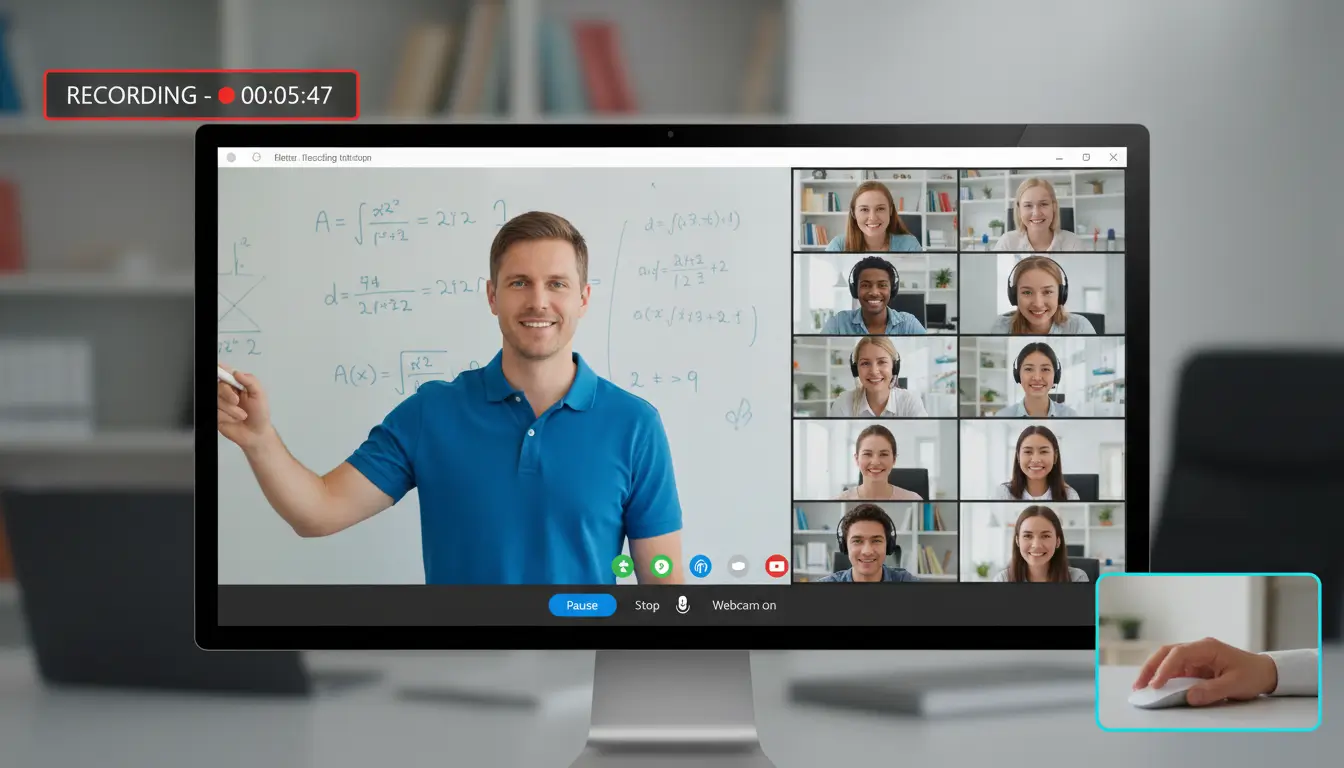
Choosing the right recorder improves teaching and learning because students can clearly see slides, hear your voice, and rewatch important parts later.
Ensuring High-Quality Video and Audio
For online classes, clean audio usually matters more than ultra-high video. Pick a tool that lets you record mic + system sound properly and keeps audio in sync.
Cleaner Exports for Study Material
When recordings are clean, your class videos look professional and are easier to reuse for revision, assignments, and course bundles.
Avoiding Risks of Cracked Software
Cracked recorders often come with malware, unstable updates, and broken exports. Genuine tools are safer and more reliable for daily teaching.
Best Screen Recorder for Online Classes in Pakistan (BreTech Picks for 2026)
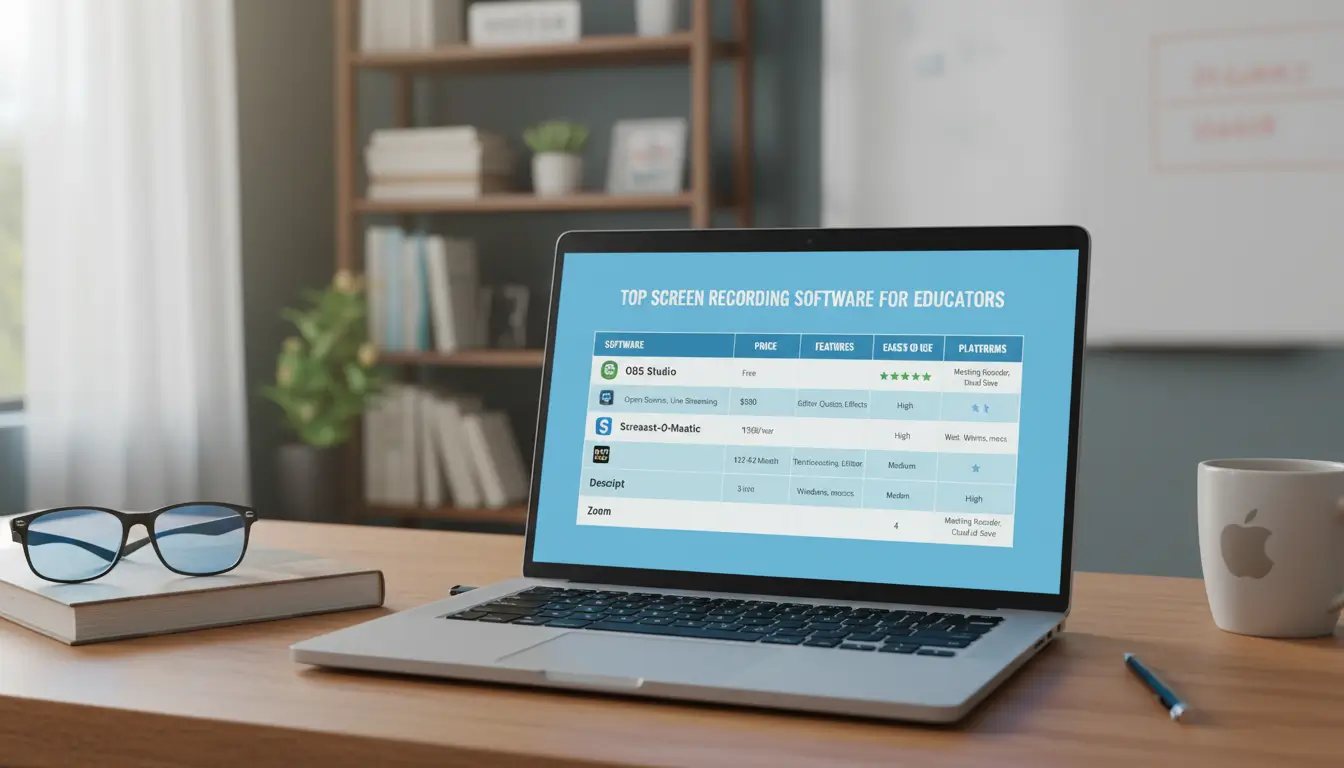
These are practical options for teachers, students, and coaching centres, based on common classroom needs like webcam, mic, system audio, and simple exporting.
Feature Comparison (Online Classes)
| Product | Best For | Key Feature Highlight | Platform |
|---|---|---|---|
| DemoCreator | All-in-one creators, educators | Recording + built-in editing workflow | Windows, Mac |
| Ashampoo Snap 17 | Professionals, office users | Strong capture tools for tutorials | Windows |
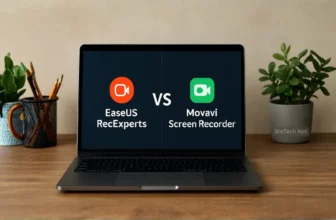
| EaseUS RecExperts | Teachers, general users | Flexible recording modes, scheduling | Windows, Mac |
| Movavi Screen Recorder | Beginners, daily use | Simple interface, quick capture | Windows, Mac |
Which One Should You Pick for Online Classes?
- EaseUS RecExperts: A practical choice for everyday class recording when you want flexible modes and scheduling.
- Movavi Screen Recorder: A simple choice for beginners who want quick recording without a steep learning curve.
- DemoCreator: A better fit if you want to record and then polish lessons with stronger editing in the same app.
- Ashampoo Snap 17: Useful for tutorial-style lessons and screen capture workflows on Windows.
To compare all options in one place, visit: Compare and shop all screen recorders at BreTech
You can also see broader picks here: Best Screen Recording Software in Pakistan
Conclusion
For online classes, the best results usually come from a tool that records mic + system audio, supports webcam, and exports clean videos without glitches. Start with one short test recording before your next class to confirm audio is clear and in sync.
When you choose a genuine screen recorder from BreTech, you get PKR pricing, email delivery in 1–72 business hrs on most orders, and local support for activation and licensing help.
Ready to record your next class without issues? Browse genuine tools here: Screen Recorder Software.
Further Reading
- Best Screen Recorders Without Watermark in Pakistan
- Best Screen Recording Software in Pakistan
- EaseUS RecExperts vs Movavi Screen Recorder in Pakistan
- Fix Screen Recorder Lags or Drops FPS Issues in Pakistan
- Screen Recorder No Sound in Windows 11 in Pakistan
FAQs
Q: Which is easiest for teachers who are not technical?
A: Movavi Screen Recorder is usually the simplest to start with because it focuses on quick recording and straightforward controls.
Q: Which tool is better if I also need to edit lectures?
A: DemoCreator is a good fit when you want recording plus a stronger editing workflow in the same app.
Q: Can I record mic and system audio together?
A: Most modern recorders support mic and system audio, but you should do a 10-second test first to confirm the correct audio source is selected.
Q: Do these tools work on Mac?
A: DemoCreator, EaseUS RecExperts, and Movavi Screen Recorder are available for Windows and Mac. Ashampoo Snap 17 is Windows-only.
Q: What should I avoid when choosing a screen recorder?
A: Avoid cracked tools and unknown download sites. They often cause malware risk, unstable exports, and missing updates.