Abdul Basit

EaseUS RecExperts vs Movavi Screen Recorder in Pakistan matters in 2026 because many people still download cracked recorders that break updates, ruin audio, or quietly add malware.
A common mistake is choosing a recorder only by “simple UI”, then later finding it cannot handle your real use case: long classes, YouTube tutorials, office demos, weak PCs, or Mac work.
This guide makes the choice easy, using only these two tools, so you can record clean videos and buy safely with local support.
EaseUS RecExperts is usually better when you want more control and repeatable recording routines. Movavi Screen Recorder is usually better when you want a simple workflow and quick results, including Mac-friendly use.
Overview of Screen Recording Tools in Pakistan
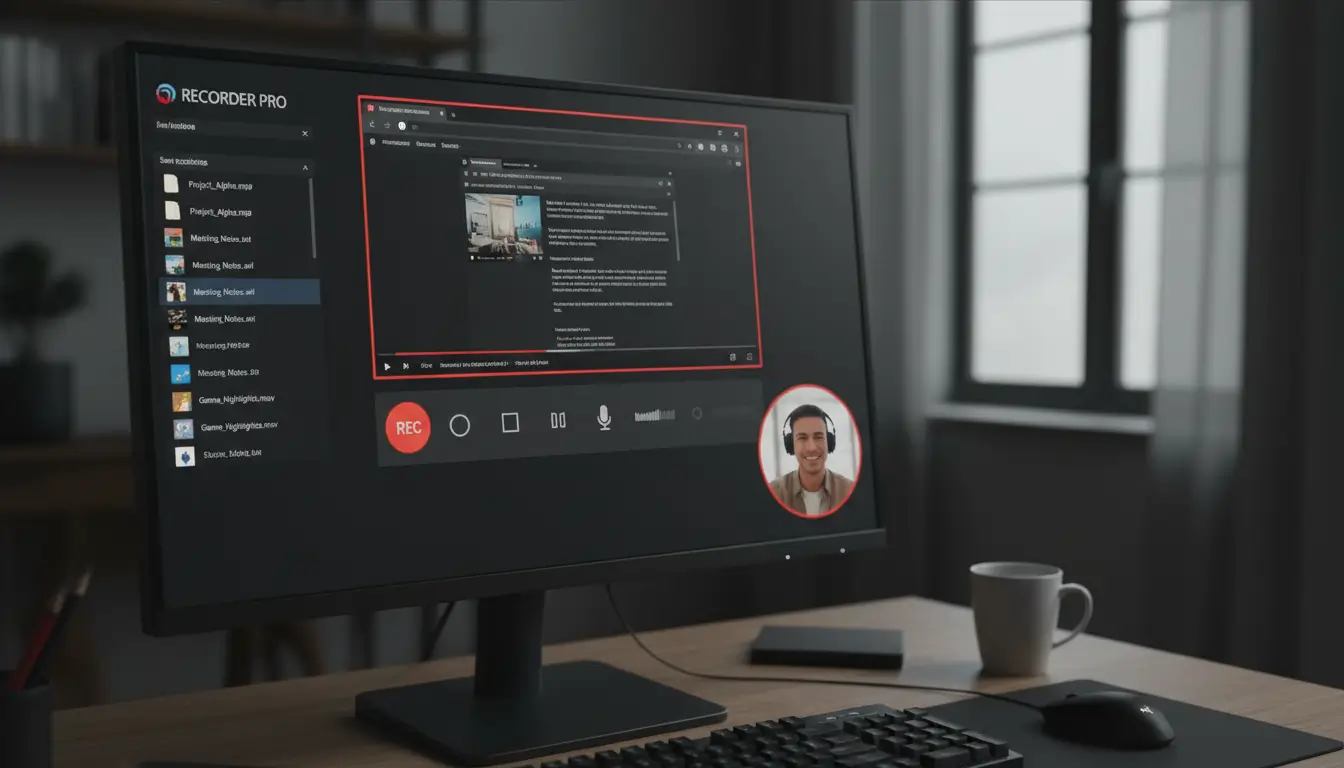
In Pakistan, the need for screen recording software is growing fast. People like professionals, teachers, and gamers want to make top-notch content. They look for software that lets them record tutorials, gameplay, and desktop activities without watermarks.
Introduction to Screen Recording Software
Screen recording tools are key for making content. They help users record their screen for learning, showing off games, or work presentations. It’s important to pick software that’s reliable and has the right features.
Current Market Trends (2026)
By 2026, the market will focus more on easy-to-use tools with useful features and smoother export quality. People in Pakistan want software that’s worth their money, supported properly, and safe to buy and use.
For more creator-focused screen recording tools, browse our Screen Recording Creators collection.
EaseUS RecExperts vs Movavi Screen Recorder
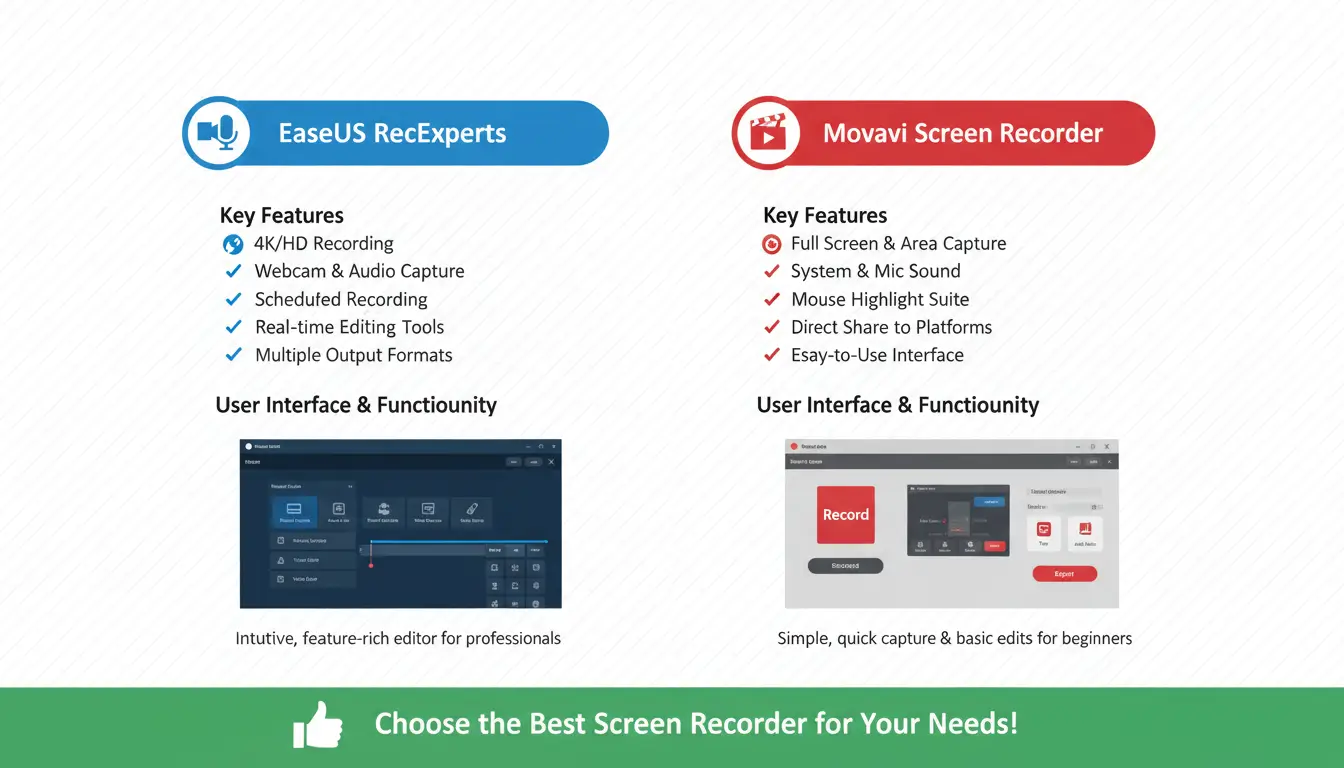
This section compares EaseUS RecExperts and Movavi Screen Recorder in detail. We look at their features and pricing approach to help you choose. Both tools are easy to use, making them great for anyone, from experts to beginners.
Feature Comparison
EaseUS RecExperts offers flexible recording modes, perfect for teachers and general users. It also lets you schedule recordings for convenience.
Movavi Screen Recorder, on the other hand, is easy to use and great for beginners. It supports Windows and Mac and is commonly chosen when you want quick, clean recordings.
If you want to explore the tool pages safely on BreTech, check EaseUS RecExperts and Movavi Screen Recorder here.
Pricing and Licensing Options
Pricing can change based on edition, license type, and term. Movavi may also offer business-friendly licensing for teams.
For the most accurate PKR pricing, it’s best to check the current price on BreTech at the time you purchase, rather than relying on old screenshots or “cheap key” listings.
User-Friendly Interface
Both EaseUS RecExperts and Movavi Screen Recorder are easy to use. They have interfaces that are simple and intuitive. This makes recording smooth for everyone, without extra hassle.
Conclusion
When comparing EaseUS RecExperts vs Movavi Screen Recorder, it’s clear they cater to different needs. EaseUS RecExperts is great for those who want more control and recording options. On the other hand, Movavi Screen Recorder is perfect for those who prefer a simpler, quicker workflow. Both are strong choices in their category, depending on your use.
It’s crucial to buy genuine licenses for EaseUS RecExperts and Movavi Screen Recorder. Real licenses mean you get updates and support, and you avoid the risks that come with cracked software.
If you want the best screen recording experience in 2026, choose the one that matches your work style and PC. BreTech helps you buy safely with PKR pricing, local support, and fast delivery on most orders.
Browse more creator-ready screen recorders here: Screen Recording Creators.
Further Reading
- Best Screen Recorders Without Watermark in Pakistan
- Best Screen Recording Software in Pakistan
- Best Screen Recorder for Online Classes in Pakistan
- Fix Screen Recorder Lags or Drops FPS Issues in Pakistan
- Screen Recorder No Sound in Windows 11 in Pakistan
Want more screen recording and editing guides? Browse our Design & Multimedia Guides posts.
FAQs
Q: What is the key difference between EaseUS RecExperts and Movavi Screen Recorder?
A: EaseUS RecExperts is a better fit when you want flexible recording modes and scheduling. Movavi Screen Recorder is a better fit when you want a simple interface and quick recording.
Q: Are both screen recording software options available for Windows and Mac?
A: Yes, both tools are commonly available for Windows, and Movavi is also widely used for Mac workflows. Always confirm the edition details before you purchase.
Q: Do both software options leave watermarks on recorded videos?
A: With genuine licensing, both are designed for clean exports without watermark limits that you often see in unofficial versions.
Q: Which software is more user-friendly?
A: Both are user-friendly. Movavi is often preferred by beginners, while EaseUS is often preferred by users who want more control.
Q: Can I trust the software I download for screen recording?
A: Always download genuine software for reliability and security. Avoid unknown or cracked versions, as they can harm your PC and your projects.
Q: What features should I look for in screen recording software?
A: Look for recording modes, audio options, export quality, and how easy it is to use for your specific work, like classes, YouTube, or office demos.
Q: Are there any alternatives to EaseUS RecExperts and Movavi Screen Recorder?
A: Yes. Wondershare DemoCreator can be an alternative if your main need is editing-heavy screen videos.