Abdul Basit
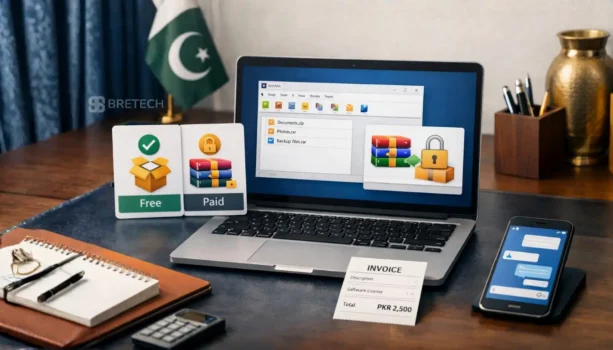
WinRAR free vs paid in Pakistan is mainly a comparison between the 40-day trial and a genuine paid license. The trial lets users test WinRAR, but the official license terms require a valid license for continued use after the trial ends.
The paid version does not mainly exist to unlock a different set of compression tools. Its main value is proper licensing, removal of registration reminders, and continued use after the evaluation period.
For occasional users, the 40-day trial provides enough time to decide whether WinRAR is suitable. Freelancers, offices, IT teams, computer shops, schools, and businesses should choose the correct paid license if they want to continue using it.
Key Takeaways
- WinRAR provides a free trial for a maximum of 40 days.
- Continued use after the trial requires a valid license.
- The trial allows users to test WinRAR’s main archive features.
- A paid WinRAR license is perpetual, not a monthly subscription.
- Home and business licensing rules are different.
- Business users generally need one license for each computer or device using WinRAR.
- WinRAR creates RAR and ZIP archives and opens many other archive formats.
- Cracked or modified copies can create security, update, and licensing risks.
- Current PKR pricing should be checked on the product page before ordering.
What Is the Difference Between the WinRAR Trial and Paid License?
The biggest difference is licensing. WinRAR is distributed as try-before-you-buy software, which means anyone can evaluate it for up to 40 days without paying.
After the evaluation period, the official license terms require the user to purchase a license to continue using the software.
What Can You Do During the Trial?
During the trial period, users can test WinRAR’s main features, including:
- Create RAR and ZIP archives
- Extract RAR, ZIP, 7Z, ISO, CAB, ARJ, and other supported formats
- Protect archives with AES-256 encryption
- Split large archives into smaller volumes
- Test archive files for errors
- Create self-extracting archives
- Add recovery records to supported RAR archives
- Attempt to repair some damaged archives
This trial gives users enough time to test the software with normal files and decide whether it fits their work.
What Changes After You Pay?
A paid WinRAR license provides:
- Continued use after the 40-day trial
- A valid registration license
- Removal of the registration reminder
- Perpetual use under the applicable license terms
- A cleaner choice for work, office, and business systems
The paid license does not need to add major new compression features to provide value. Its purpose is to allow continued, properly licensed use.
WinRAR may technically continue opening on some systems after the trial. That does not make it permanently free or change the official licensing requirement.
Is WinRAR Free After the 40-Day Trial?
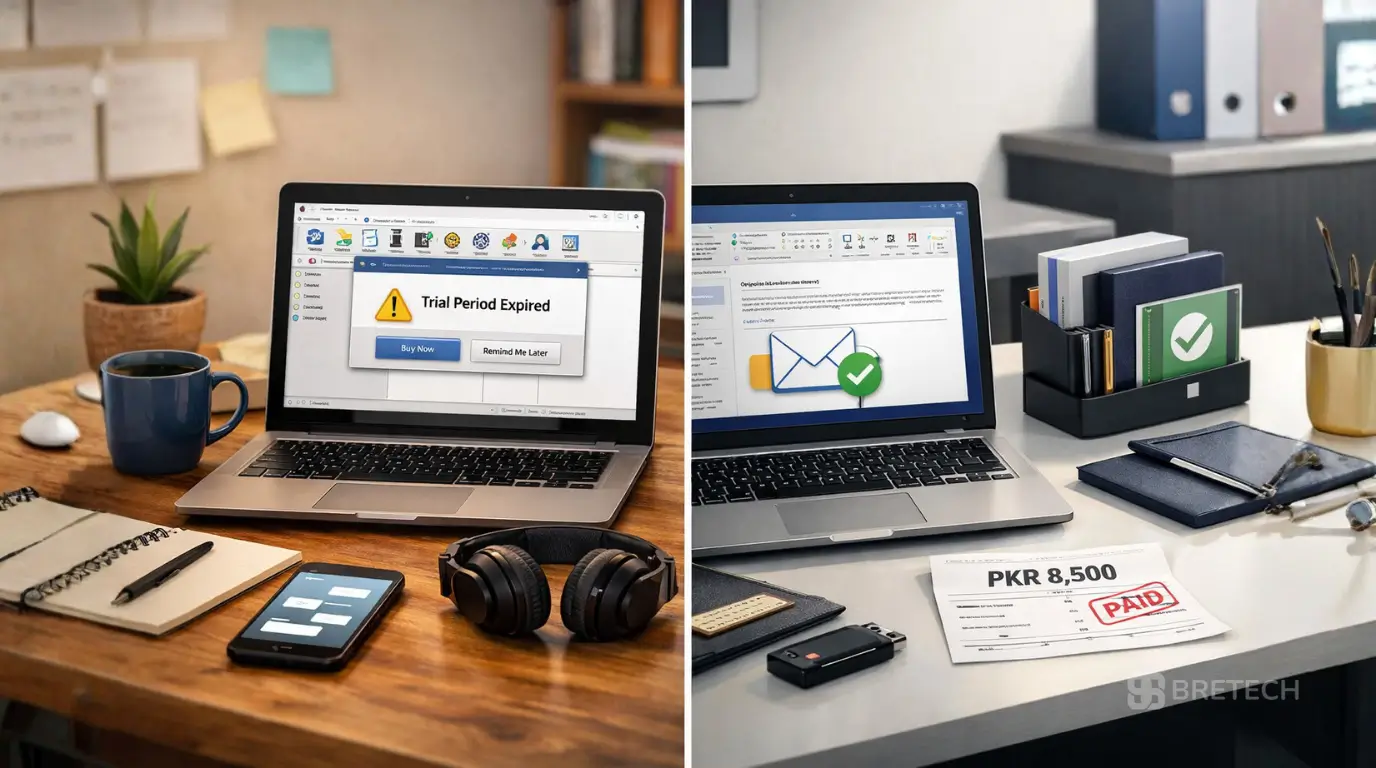
No. WinRAR is not free forever. It provides a free evaluation period for a maximum of 40 days.
Some users notice that WinRAR continues to open and displays a purchase reminder after the trial. However, the official license agreement states that a user must purchase a license to continue using the software after the test period.
What Should You Do When the Trial Ends?
You have two practical options:
- Buy a valid WinRAR license if you want to continue using the software.
- Uninstall WinRAR and use a genuinely free archive tool instead.
Continuing to use the program because it still opens is not the same as having a valid license.
Is the Trial Suitable for Students and Home Users?
Yes. Students and home users can use the trial to test WinRAR for up to 40 days.
During that period, they can check whether they need RAR creation, encrypted archives, split files, archive repair, or other WinRAR features.
After the trial, they should buy a license or move to another archive application.
Is a WinRAR License Worth Buying in Pakistan?
A WinRAR license is worth buying for users who regularly create, open, protect, or manage archive files.
It is especially useful when RAR and ZIP files are part of daily work, client communication, software distribution, backups, or office file management.
A WinRAR License May Be Worth Buying If You:
- Compress files regularly
- Create RAR archives
- Send large folders to clients
- Use password-protected archives
- Split large files for upload or transfer
- Manage office or business computers
- Need properly licensed software
- Want to remove registration reminders
- Prefer a perpetual license instead of a subscription
Consider Another Tool If You:
- Only open ZIP files occasionally
- Do not need RAR archive creation
- Only need the basic ZIP support included with Windows
- Prefer a completely free archive program
- Need a larger suite with extra file-management tools
Buyers comparing different archive applications can read Ashampoo ZIP Pro vs WinRAR in Pakistan.
For a wider comparison, see the guide to the best file compression software in Pakistan.
What Features Do Trial and Paid WinRAR Provide?
The trial lets users evaluate the main WinRAR features before buying. The paid license allows continued use of those features after the trial.
RAR and ZIP Creation
WinRAR can create RAR and ZIP archives. These formats can make folders easier to store, upload, email, or transfer.
RAR is useful when users need features such as recovery records, split volumes, strong compression options, and encrypted file names.
Support for Other Archive Formats
WinRAR can open and unpack several common formats, including:
- RAR
- ZIP
- 7Z
- ISO
- CAB
- ARJ
- TAR
- GZ
- BZ2
- JAR
- XZ
Support can vary by format. WinRAR mainly creates RAR and ZIP archives, while many other formats are supported for opening or extraction.
Password Protection and Encryption
WinRAR supports AES-256 encryption for password-protected archives.
Encryption can help protect invoices, reports, client files, project folders, backups, and other information during storage or transfer.
A strong password is still necessary. Encryption cannot protect an archive properly if the password is short, common, reused, or shared carelessly.
Split Archives
Large archives can be divided into smaller parts. This can help when:
- An email service has an attachment limit
- A cloud upload has a file-size limit
- Files must be copied across several storage devices
- A large archive needs to be transferred in smaller pieces
All archive parts are normally required before extraction can be completed.
Recovery and Repair Tools
WinRAR can add a recovery record when creating supported RAR archives. This recovery information may help repair an archive if part of its data becomes damaged.
The repair feature cannot recover every damaged file. Important documents should still be protected with proper backups.
Is a WinRAR License Perpetual?
Yes. WinRAR licenses are described as perpetual and valid for lifetime use under the applicable license terms.
This means the license itself is not a monthly subscription.
Upgrade and update entitlement may depend on a Support & Maintenance package. Buyers should check what is included with the selected offer before ordering.
Perpetual License Does Not Mean Unlimited Business Devices
The word perpetual describes how long the license can be used. It does not mean one business license can be installed on an unlimited number of computers.
The required license quantity depends on whether WinRAR is being used at home or in a business environment.
How Many WinRAR Licenses Do You Need?
WinRAR has different rules for home and business use.
Home-User Licensing
The official license terms state that a home user may use a single-computer usage license on computers and mobile devices owned by the license holder.
This personal-use rule should not be applied to office, company, customer, or employee devices.
Business Licensing
Business users require one license for each computer or device on which WinRAR is installed.
For example:
- One office computer normally needs one license.
- Five business computers normally need five licenses.
- Ten staff computers normally need ten licenses.
Network and Server Environments
In a server and client environment, a separate license is required for each workstation where WinRAR is installed, used, or accessed.
The required quantity does not depend only on how many employees use the software at the same time. It depends on how many client computers can access it.
Businesses should confirm their number of computers and devices before ordering.
Who Should Buy a Paid WinRAR License?
The decision depends on how WinRAR is used and who owns the computers.
Freelancers
A paid license is useful for freelancers who regularly compress project folders, protect client files, send large deliverables, or create RAR archives.
It removes trial reminders and provides a valid license for continued professional use.
Offices and Small Businesses
Offices should use the correct number of licenses for the computers where WinRAR is installed or accessed.
This supports cleaner software records and avoids relying on expired trial installations across company systems.
IT Departments
IT teams may use WinRAR for software packages, logs, backups, file transfers, encrypted archives, and troubleshooting.
They should count the computers and workstations that will use or access WinRAR before selecting a multi-user license.
Computer Shops and Technicians
Computer shops should not install cracked keys, modified files, or unlicensed copies on customer computers.
A technician should also avoid assuming that one personal license allows installation across unrelated customer systems.
Schools and Computer Labs
Schools, colleges, training centers, and computer labs may need multiple licenses when WinRAR is installed across several systems.
The required quantity should be based on the number of computers or workstations using the software.
Home Users
Home users who regularly create RAR archives or need WinRAR’s advanced features may find the perpetual license worthwhile.
Users who only open occasional ZIP files may find that Windows tools or another free archive utility already meets their needs.
How Much Does WinRAR Cost in Pakistan?
WinRAR pricing can change, so the blog should not use a fixed price that may become outdated.
Check the current WinRAR license price in Pakistan before ordering.
Simple License Comparison
| Option | What It Means | Suitable For |
|---|---|---|
| 40-day trial | Temporary evaluation at no charge | Users testing WinRAR |
| Home-user license | Perpetual personal-use license under the official home-user terms | Individual home users |
| Business license | License required for each business computer or device | Freelancers, offices, and companies |
| Multiple-usage license | A selected number of licenses for the same number of computers | Teams, labs, schools, and IT departments |
Businesses buying for several computers should confirm the required quantity and ask for a quotation when needed.
WinRAR vs a More Feature-Rich Archive Suite
WinRAR is a focused archive program. It is suitable for users who want reliable RAR and ZIP creation, extraction, encryption, archive splitting, and repair tools.
Some users may prefer a broader archive suite with extra file-management, cloud, or workflow features.
ـAshampoo ZIP Pro may be worth considering when a user wants a more complete archive and file-management interface instead of WinRAR’s simpler approach.
Choose WinRAR when:
- RAR creation is important
- You want a familiar lightweight interface
- You need fast compression and extraction
- You prefer a focused archive application
Consider another tool when:
- You need broader file-management features
- You prefer a fully free application
- You only use basic ZIP files
- You need a different interface or workflow
Why Cracked WinRAR Is Not a Safe Alternative
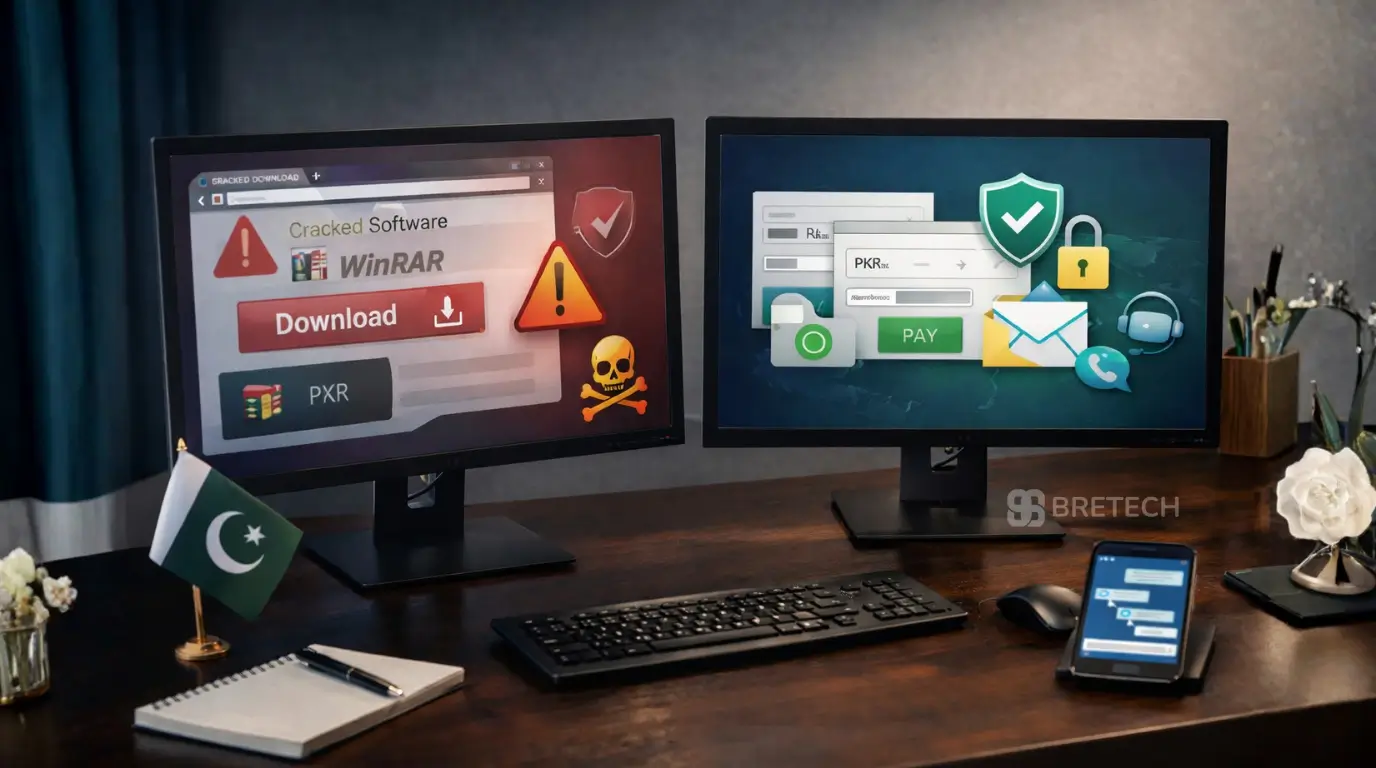
Cracked WinRAR copies can create security and licensing problems.
The main risk often comes from modified installers, fake activation tools, bundled software, or outdated files downloaded from unknown websites.
Common Risks of Cracked Copies
- Malware hidden in installers
- Spyware or password-stealing tools
- Fake license files
- Disabled or broken updates
- Modified program files
- Archive errors
- No reliable proof of licensing
- Problems on business or customer computers
The official WinRAR license also prohibits cracks, key generators, and unauthorized modifications.
Use the Official Installer
Download the trial installer from the official WinRAR or RARLAB website.
After the trial, use a valid license from a reliable source or remove the program.
Read Is WinRAR Safe to Use in Pakistan? for more information about safe downloads, updates, and archive-file risks.
You can also review how to verify a software license is genuine in Pakistan before purchasing software online.
Where Should Pakistan Buyers Purchase a WinRAR License?
Pakistan buyers should use a seller that clearly explains the product, license type, price, delivery method, and support process.
Explore the WinRAR brand page to review the available WinRAR option and continue to the product page when ready to check current pricing.
What to Check Before Ordering
Confirm:
- Whether the license is for home or business use
- How many computers need WinRAR
- Whether the license is perpetual
- What upgrade or maintenance coverage is included
- The current PKR price
- The expected delivery method
- Whether an invoice is required
- Whether activation guidance is available
Businesses should provide the number of computers or workstations that need access to WinRAR before requesting a quotation.
Buyers comparing other archive products can browse Archive & Compression software in Pakistan.
Common Mistakes When Comparing WinRAR Trial and Paid Use
The biggest mistake is treating the expired trial as a permanent free version.
Other Common Mistakes
- Assuming the program is free because it still opens
- Using one personal license across business computers
- Installing cracked copies on customer systems
- Buying without checking the number of required licenses
- Treating a perpetual license as an unlimited-device license
- Assuming all future upgrades are automatically included
- Downloading installers from unknown websites
- Using weak passwords on encrypted archives
- Deleting original files before testing an archive
Practical Checklist
- Use the official trial for no more than 40 days.
- Decide whether WinRAR’s features are necessary.
- Confirm whether the use is personal or business.
- Count the computers or workstations that need access.
- Check the current license price.
- Confirm any maintenance or upgrade coverage.
- Purchase the correct license quantity.
- Save the license and order details securely.
- Keep WinRAR updated.
- Test important archives before deleting original files.
FAQs
Q: Is WinRAR Free Forever in Pakistan?
A: No. WinRAR provides a free trial for a maximum of 40 days. Its official license terms require users to purchase a license if they continue using it after the trial.
Q: Why Does WinRAR Still Open After 40 Days?
A: WinRAR may continue displaying a registration reminder instead of immediately blocking access. This behavior does not make it free or remove the requirement to purchase a license after the trial.
Q: Does Paid WinRAR Have More Features Than the Trial?
A: The trial lets users evaluate the main WinRAR features. The paid license mainly provides valid continued use after the trial and removes the registration reminder.
Q: Is a WinRAR License One-Time or Monthly?
A: A WinRAR license is perpetual rather than a monthly subscription. Upgrade and update coverage may depend on the Support & Maintenance terms included with the offer.
Q: How Many Computers Can a Home User Cover?
A: The official license terms state that a home user may use a single-computer usage license on computers and mobile devices owned by the license holder. This personal-use rule does not apply to company or customer systems.
Q: How Many Licenses Does a Business Need?
A: Business users generally need one license for each computer or device where WinRAR is installed. Network environments also require licensing for each workstation that installs, uses, or accesses WinRAR.
Q: Can WinRAR Create 7Z Archives?
A: WinRAR can open and extract 7Z archives, but its main archive-creation formats are RAR and ZIP.
Q: Does WinRAR Support Password Protection?
A: Yes. WinRAR supports AES-256 encryption for password-protected archives. Users should choose strong passwords and share them through a separate secure channel.
Q: Can WinRAR Repair Damaged Archives?
A: WinRAR includes repair and recovery features for supported archives. Recovery is not guaranteed, so important files should also be protected with a separate backup.
Q: Is Cracked WinRAR Safe?
A: No cracked or modified software should be considered safe. Fake installers, activators, and key generators can include malware, disable updates, or create licensing problems.
Q: Where Can Buyers Check the Current WinRAR Price?
A: Buyers can check the current PKR price on the BreTech WinRAR product page. Businesses requiring several licenses should confirm the number of computers before requesting a quotation.
Conclusion
WinRAR free vs paid in Pakistan is really a comparison between a limited 40-day trial and a perpetual paid license.
The trial is suitable for testing WinRAR, but it is not a permanent free edition. Users who want to continue after the trial should purchase a valid license or move to a genuinely free archive tool.
A paid WinRAR license is most useful for people who regularly create RAR or ZIP archives, protect files with encryption, split large archives, or manage compressed files for work.
Home users should check the official personal-use terms, while offices, schools, labs, and businesses should calculate the number of computers or workstations requiring access before ordering.
For more ZIP, RAR, encryption, and archive buying advice, visit the Archive & Compression Guides.