
Buy System & Disk Utilities software in Pakistan for partitions, drive cloning, system migration, and disk health with PKR pricing and genuine licences.
Showing 1–12 of 50 results
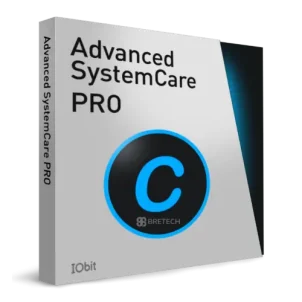
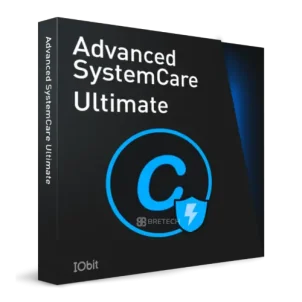
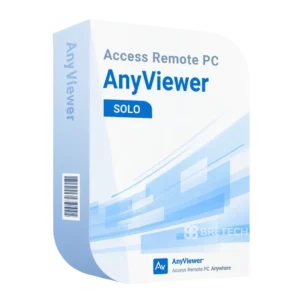
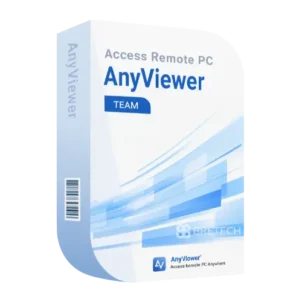
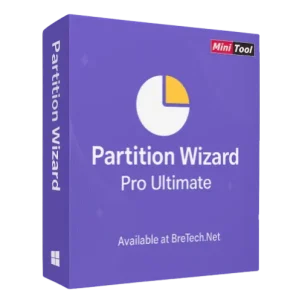
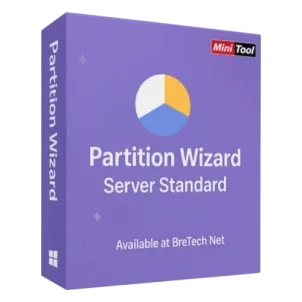
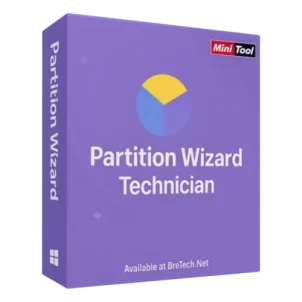
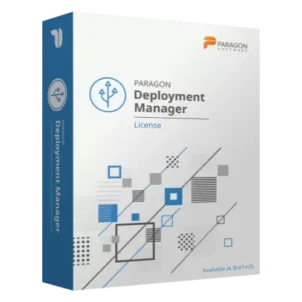
Buy System & Disk Utilities in Pakistan
Need to manage partitions, move Windows to another drive, improve PC performance, create bootable media, or access a computer remotely?
System & Disk Utilities help home users, businesses, and IT teams handle important Windows, storage, and maintenance tasks.
BreTech offers genuine software licenses with PKR pricing, local payment guidance, digital delivery on most orders, activation help, and invoice support.
Choose the correct type of utility for your task. Partition, migration, optimization, bootable media, and remote access tools solve different problems.
Browse System & Disk Utilities by Type
- Bootable Media & Portable OS: Create supported bootable tools for installation, troubleshooting, recovery, or offline system work.
- Partition Management: Create, resize, format, convert, or organize supported disk partitions.
- Remote Desktop: Access and support another computer from a different location with permission.
- System Migration & Deployment: Move Windows, clone systems, or deploy supported installations to other computers.
- System Optimization: Clean, maintain, and improve supported PC performance and stability.
Start with the subcategory that matches your main task. Do not use an optimization tool when you need partition changes, system migration, or remote access.
Common System & Disk Utility Needs
- Move Windows from an HDD to an SSD
- Create, resize, or organize disk partitions
- Prepare bootable installation or troubleshooting media
- Deploy Windows across office computers
- Access another computer for remote support
- Clean temporary files and manage startup programs
- Maintain storage and system performance
Important: Disk, partition, migration, and bootable tools can affect important data. Back up your files and confirm the correct disk, partition, and operation before applying changes.
Who Should Use These Tools?
- Home users: Manage common Windows, storage, and PC maintenance tasks.
- Students: Prepare bootable media and handle basic system or disk problems.
- Offices and businesses: Maintain computers, move systems, and reduce downtime.
- IT teams: Manage partitions, deployments, remote access, and system maintenance.
- Repair shops: Use supported utilities for troubleshooting and permitted repair work.
- Freelancers: Maintain work computers and access approved remote systems.
What to Check Before Buying
- Main task: Choose the correct tool for partitioning, migration, optimization, bootable media, or remote access.
- Operating system: Confirm support for your Windows version or other required platform.
- Disk type: Check support for HDDs, SSDs, NVMe drives, external drives, or other storage you use.
- Product edition: Review the differences between personal, professional, business, or technician editions.
- License terms: Confirm the license period, device limits, activation method, and renewal rules.
- Boot support: Check BIOS, UEFI, partition format, and boot media support where relevant.
- Remote permissions: Use remote tools only on computers you own or have clear permission to access.
- Support needs: Ask BreTech for pre-sale guidance when you are unsure which product or edition fits.
Why Buy from BreTech?
- Genuine software licenses from trusted channels
- PKR pricing for Pakistan buyers
- Local payment guidance
- Digital delivery on most orders
- Activation and setup help
- Pre-sale product selection guidance
- Invoice support where needed
- Renewal or upgrade guidance where available
Shop Top Brands
- AOMEI: Tools for disk management, migration, backup, and system maintenance.
- EaseUS: Software for partition management, migration, recovery, and PC utilities.
- Ashampoo: Windows utilities for maintenance, optimization, storage, and system tasks.
- Stellar: Software for storage, repair, recovery, and data-related workflows.
Open the relevant product page to confirm its latest features, edition, compatibility, and license terms.
Learn More Before You Buy
- AOMEI Partition Assistant vs EaseUS Partition Master in Pakistan
- Best PC Optimization Software in Pakistan
- How to Clone an NVMe SSD to Another NVMe SSD
- Best Windows Deployment Software in Pakistan
- Best Remote Desktop Software in Pakistan
System & Disk Utilities FAQs
Which System & Disk Utility should I choose?
Can these tools affect my files or Windows installation?
Are the software licenses genuine?
Can I pay in PKR?
Is delivery digital?
Can BreTech help me choose the correct type?
Can BreTech help with activation?
Can I request an invoice?
Start Buying System & Disk Utilities in Pakistan
Start with the task you need to complete, then open the matching subcategory. Compare available products and confirm compatibility, edition, and license terms before ordering from BreTech.
Disclaimer
Features, editions, compatibility, prices, delivery time, and license terms can change. Always verify the latest product information and back up important data before using disk, partition, migration, bootable, or optimization tools.